
ShowTiming
Why a shared countdown changes show day
One remaining time. Less radio. No “whose timer?” fight.
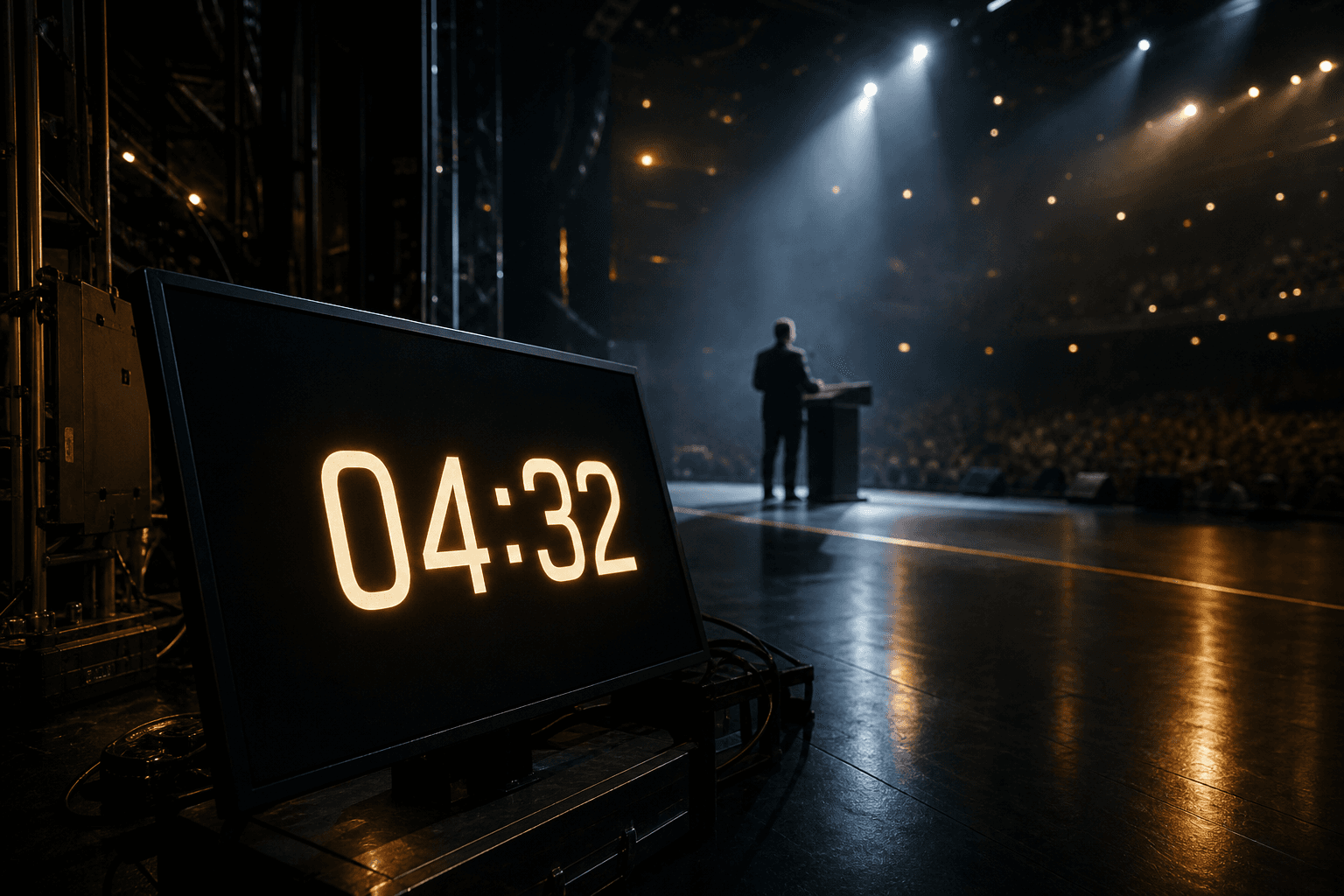
Live shows break in small ways first: a spreadsheet on the laptop, a phone under the lectern, a local clock in the booth. Each one looks fine — until they disagree. A shared countdown means everyone in the room answers to the same remaining time — the operator who runs it, and the people on stage who only need to see it.
What actually breaks when clocks diverge
You do not need a dramatic failure for the room to feel it. Drift of thirty seconds is enough to create four familiar show-day costs:
- The speaker trusts a private stopwatch and overruns while the operator already cut.
- Backstage cues land early or late because the wall display is on another clock.
- Radio fills with “how long do they have?” instead of the next cue.
- Credibility slips — the client hears hesitation, not control.
Symptom → what is really wrong → fix pattern
| Symptom on radio | Likely cause | Fix pattern |
|---|---|---|
| “How long do they have?” every two minutes | Floor and operator are not on the same remaining time | One authoritative countdown; Stage watches, Control writes |
| Speaker keeps going after wrap cue | Lectern phone never saw the pause or −30s | Nudge on Control must move every Stage monitor |
| Backstage cues early / late | Wall clock or local timer drifted from Control | Same server clock on every floor display |
| Two people arguing whose Excel is right | Prep sheets used as live clocks | Rundown for prep; live state only from Control |
A shared countdown is not “everyone has the app”
Sharing a login or mirroring a full control UI on stage is not the same as sharing time. The operator needs start, pause, next segment, and nudges. The floor needs a glanceable remaining time — and nothing to tap by mistake.
That split is the point: one authoritative clock, two jobs. Control runs the show. Stage watches the same remaining time. When the operator pauses or adds ten seconds, every monitor should follow — not invent a new truth.
If talent “helps” by opening the operator page on a tablet, you have not shared a countdown — you have duplicated risk. Read-only Stage links exist so the floor can stay aligned without becoming a second control room.
Why spreadsheets and phone timers lose under pressure
Prep tools are fine until the plan changes mid-segment. Then each local timer becomes a negotiation:
- Excel does not pause for the whole room when the keynote asks for “one more thought.”
- A phone under the lectern does not know the operator just skipped a filler.
- Verbal countdowns on radio arrive late and get rounded differently by each person.
Use the spreadsheet to plan durations. Use the shared countdown to run the room once doors are open. Mixing those jobs is how “we were only thirty seconds off” becomes a missed changeover.
Under live pressure, local timers optimize for the person holding them. A shared countdown optimizes for the room. That is why the T−90 ritual matters more than buying another stopwatch: the team practices one clock before doors, not during the keynote.
Decision tree: pause, nudge, or next?
When the room compresses, the operator needs a simple rule — not a debate. Use this under pressure:
- Pause — the segment must freeze for everyone (tech hold, late arrival, safety). Stage must freeze too.
- Nudge (− / + seconds or minutes) — the segment continues, but the remaining time must change for the whole room.
- Next / advance — this segment is done; start the following planned part. Do not leave Stage on a finished title.
- If you are unsure, pause first. A short freeze is cheaper than three people inventing local time.
Show-day ritual: T−90 to curtain
Print this. It is the artefact that turns “we have a shared clock” into muscle memory.
- T−90 — Rundown locked for doors: segment order and durations agreed. One named operator owns Control.
- T−60 — Create Stage links (lectern, prompt, backstage). Copy URLs immediately. Name each monitor clearly.
- T−45 — Open Stage on the real displays. Check size, brightness, and that idle/running states are readable from the talent mark.
- T−30 — Dry run: Start → Pause → Resume → +10s / −10s while watching every Stage. Confirm radio stays quiet about time.
- T−15 — Cue message test (short wrap line). Confirm it appears on Stage only where expected.
- Doors / live — Only Control changes the clock. Floor never “helps.” Afterglow: revoke or regenerate links before afterparty photos hit the group chat.
What changes on show day with one clock
With a shared countdown, the room stops debating time and starts executing. Practically:
- Prepare the rundown once — segments and durations in Control.
- One signed-in operator owns start, pause, nudge, and next.
- Stage monitors open from read-only links: same remaining time, no accounts.
- After the show, revoke links instead of leaving shared passwords floating in chat.
If you only remember one rule: the person who can change time is never the same person watching it on the floor. That role split is what makes the shared countdown trustworthy.
FAQ
Is a shared countdown only for big festivals? No. Any show where one person times and others must stay aligned — panels, ceremonies, corporate stage — hits the same “whose timer?” problem.
Does the stage need to operate the timer? No. Stage should stay read-only. Operation belongs in Control so the floor cannot pause or jump by accident.
What about overlays for streaming? An overlay can follow the same clock when you need it, but it is optional. The core job is operator and stage on one remaining time.
How is this different from everyone watching the same spreadsheet? A spreadsheet is a plan. Live pressure needs a live remaining time that can pause and nudge for the whole room at once — Stage displays follow Control, they do not edit the plan mid-cue.
Keep reading
Stage monitor timer: why read-only wins · Revocable stage timer links after the show · Product overview · Wiki: Control